
Save on software.
Flat-rate dedicated servers and VPS from $4.99/mo, plus open-source app alternatives — with white-glove migration off the tools you're overpaying for.
Cut your SaaS bill. Keep everything that matters.
Real, maintained open-source alternatives to the SaaS tools you're already paying too much for — self-hosted on your own Olympia server, with a team that does the migration for you.


Internal messaging
Mattermost — a self-hosted Slack alternative. Channels, threads, and file sharing, running on infrastructure you control.
Learn more →

File storage
Nextcloud — a self-hosted Dropbox / Google Photos alternative. Sync, share, and back up files without a per-seat storage bill.
Learn more →

CRM
EspoCRM — a self-hosted Salesforce / HubSpot alternative. Track pipeline and contacts without a per-user CRM subscription.
Learn more →

Time & work management
Kimai for time tracking, Plane for work management — Toggl and Asana/Jira/Linear alternatives. Run both on the same server, no separate bills.
Learn more →

Accounting
Bigcapital — a self-hosted QuickBooks alternative. Invoicing, expenses, and reporting without a monthly per-company fee.
Learn more →
Example: teams often pay $1,000+/mo combined across separate tools for messaging, file storage, CRM, work management, and accounting. Olympia's Colossus VPS tier (8 vCPU / 16GB RAM / 320GB NVMe) runs all five of the alternatives above, self-hosted, for $18.99/mo.
Not a guarantee — this is an illustrative estimate, not a sourced claim. Actual savings depend on your current stack, seat count, and usage.
Paying per seat for something? Pick it.
See what you would run instead, and what one flat-priced Olympia server costs to run it.
Loading tools…
Pick a tool to see what you would run instead.
Assisted data portability
We move your data out of the tool you're leaving.
Switching tools usually stalls at the same place: the years of history sitting inside the old one. So we do that part for you. Our team extracts your data from the SaaS product you're leaving and loads it into its replacement — typically a self-hosted open-source alternative from our applications catalog, running on your own server. Same idea as our data migrations, scoped to the data rather than the infrastructure.
Messaging
Channels, threads, and file attachments out of Slack and into a self-hosted alternative like Mattermost.
CRM
Contacts, companies, deals, and activity history out of your current CRM and into an open-source one such as EspoCRM.
Databases
A managed database moved onto your own Postgres instance, with the schema and the data brought across together.
Files
Documents and shared folders out of Dropbox or Google Drive and into something you host yourself, like Nextcloud.
How it actually works
- We look at what you're on now and what the destination tool needs, and tell you up front what will and won't come across.
- We pull the data using whatever export the source tool actually offers — its own export feature or its API — and reshape it for the destination.
- We load it into the new tool on your server, you check it against the old system, and we adjust until it matches.
- You keep the old tool running until you're satisfied. Nothing gets canceled on our say-so.
Scoped and quoted after a conversation about your specific tools — the scoping conversation is free.
This is people doing the work, not an automated product — we don't have a one-click export tool, and how much history comes across depends on what your current provider lets you export. We tell you that before you commit, not after.
Flat-rate VPS tiers
One flat monthly price per tier, with 20 TB of outbound transfer included — no per-seat, per-request, or per-function billing.
Ionia
Trying it out
$4.99/mo
- vCPU 2
- RAM 4 GB
- NVMe 80 GB
- Bandwidth out 20 TB
Typically fits
a personal blog + small team wiki
Sparta
One app, in production
$9.99/mo
- vCPU 4
- RAM 8 GB
- NVMe 160 GB
- Bandwidth out 20 TB
Typically fits
a team wiki + CI runner
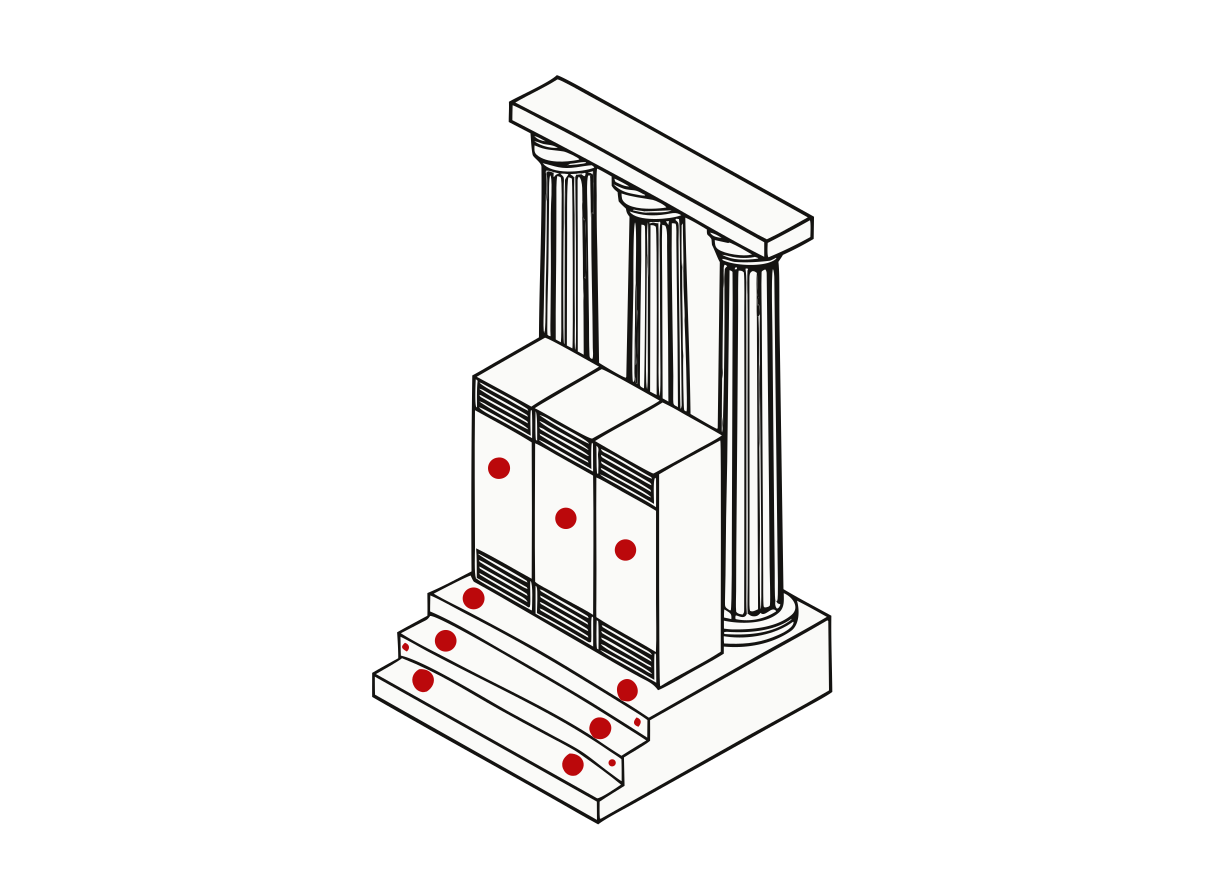
Colossus
Your team’s whole toolset
$18.99/mo
- vCPU 8
- RAM 16 GB
- NVMe 320 GB
- Bandwidth out 20 TB
Typically fits
several self-hosted business apps at once (e.g. CRM + chat + accounting)
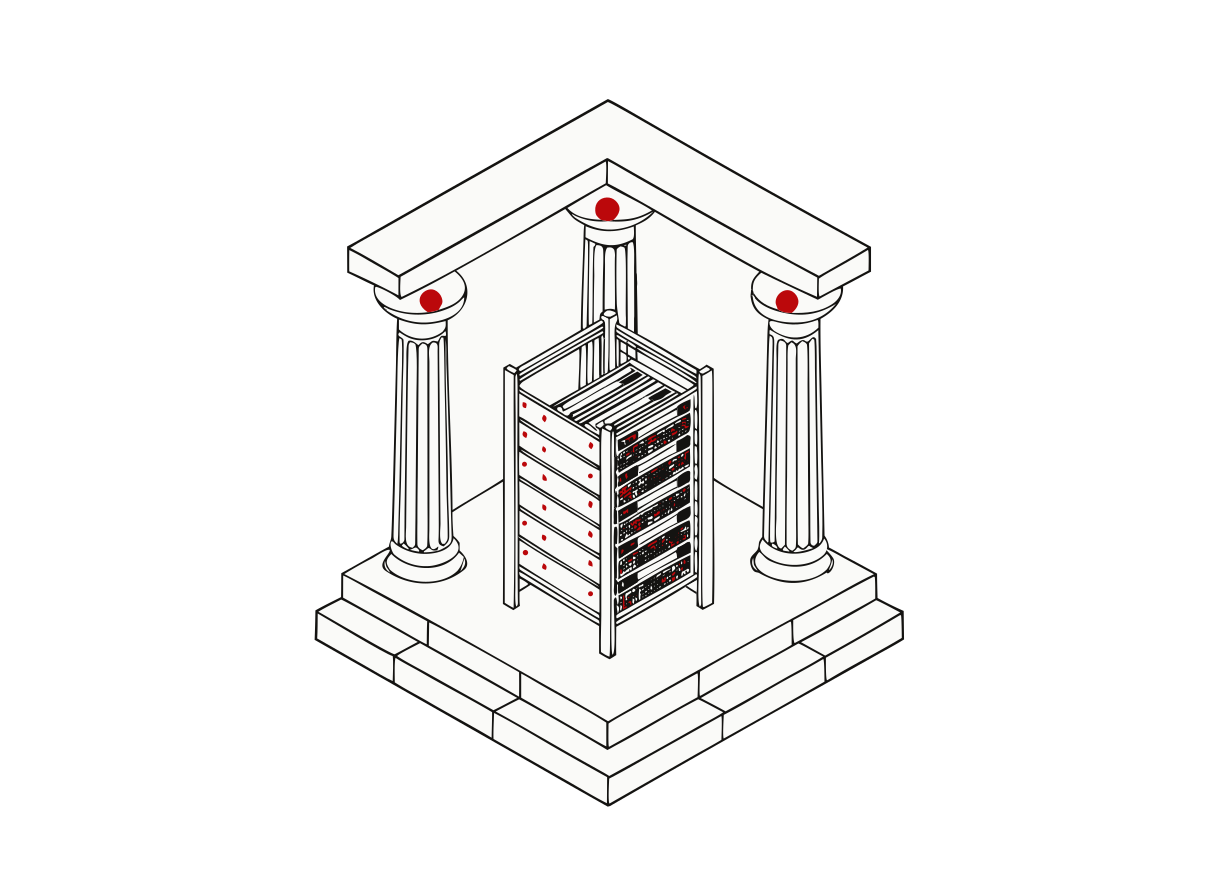
Titan
A product with a database
$44.99/mo
- vCPU 16
- RAM 32 GB
- NVMe 640 GB
- Bandwidth out 20 TB
Typically fits
a small SaaS backend + database
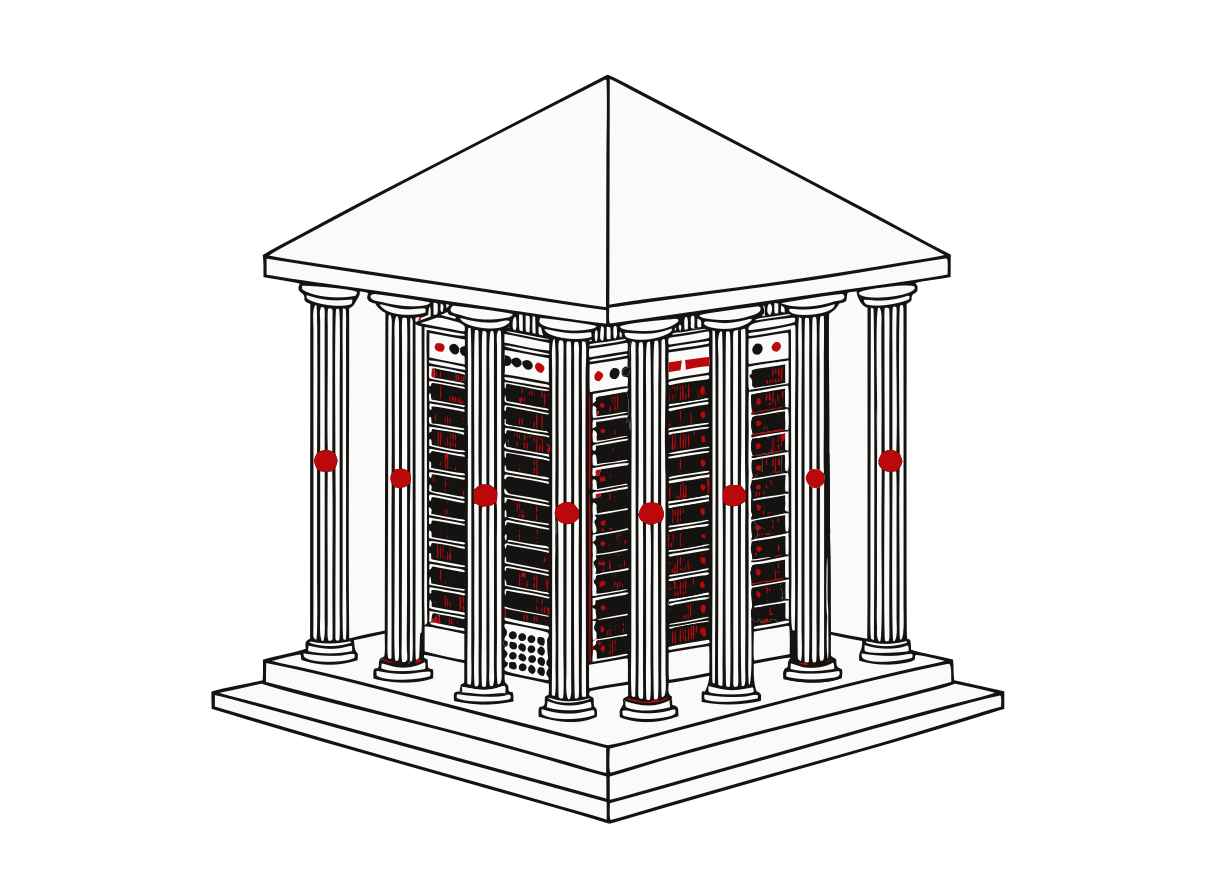
Atlas
Several services at once
$89.99/mo
- vCPU 32
- RAM 64 GB
- NVMe 1 TB
- Bandwidth out 20 TB
Typically fits
a growing multi-app stack across several services
These are the workloads each tier is built for, not a capacity guarantee — how much a server handles depends on the application, not the vCPU count. If you want a number for your specific setup, the server sizing calculator asks what you're running, and we'll tell you if you're on the wrong tier before you buy.
Need something the tiers don’t cover?
Bigger builds, custom specs, several servers, or a migration you want owned end to end — those are priced by hand. Tell us the workload and we come back with a number.
Standard tiers above are provisioned within 24 hours of your order — we build it, configure it and send your login details.
Onboarding call
Book a call with our onboarding team and get 100 TB of free bandwidth included with your server of choice.
It is a one-off 100 TB of outbound transfer — a single pool, granted once, not a monthly uplift — and it expires 12 months after the call. Whatever is left then is forfeited.
- On top of your monthly allowance, not instead of it. Every server still includes 20 TB of egress a month. This pool is drawn down only by traffic above that 20 TB in a given month — stay under it and you never touch the pool.
- Outbound only. Inbound transfer is unmetered and uncapped for everybody, so it is not part of this.
- One server, chosen by you on the call. The allowance is tied to that server: no cash value, not transferable, and it does not survive canceling the server it was attached to.
Ask for a call
Tell us what you’d like to cover and roughly when you’re free, and we’ll come back with a time.
Locations
Twelve regions across six continents, and a standing invitation to ask for one that isn't here.

Equirectangular projection, plotted from each region's coordinates. The list is the authoritative set of regions.