
Multi-cloud infrastructure
Add us alongside
your primary cloud.
This isn't a “leave AWS” pitch. Most teams have good reasons for the cloud they're on. Multi-cloud here means moving the predictable, always-on, bandwidth-heavy parts of your stack onto a flat-rate server — and leaving everything that genuinely needs your primary provider exactly where it is.
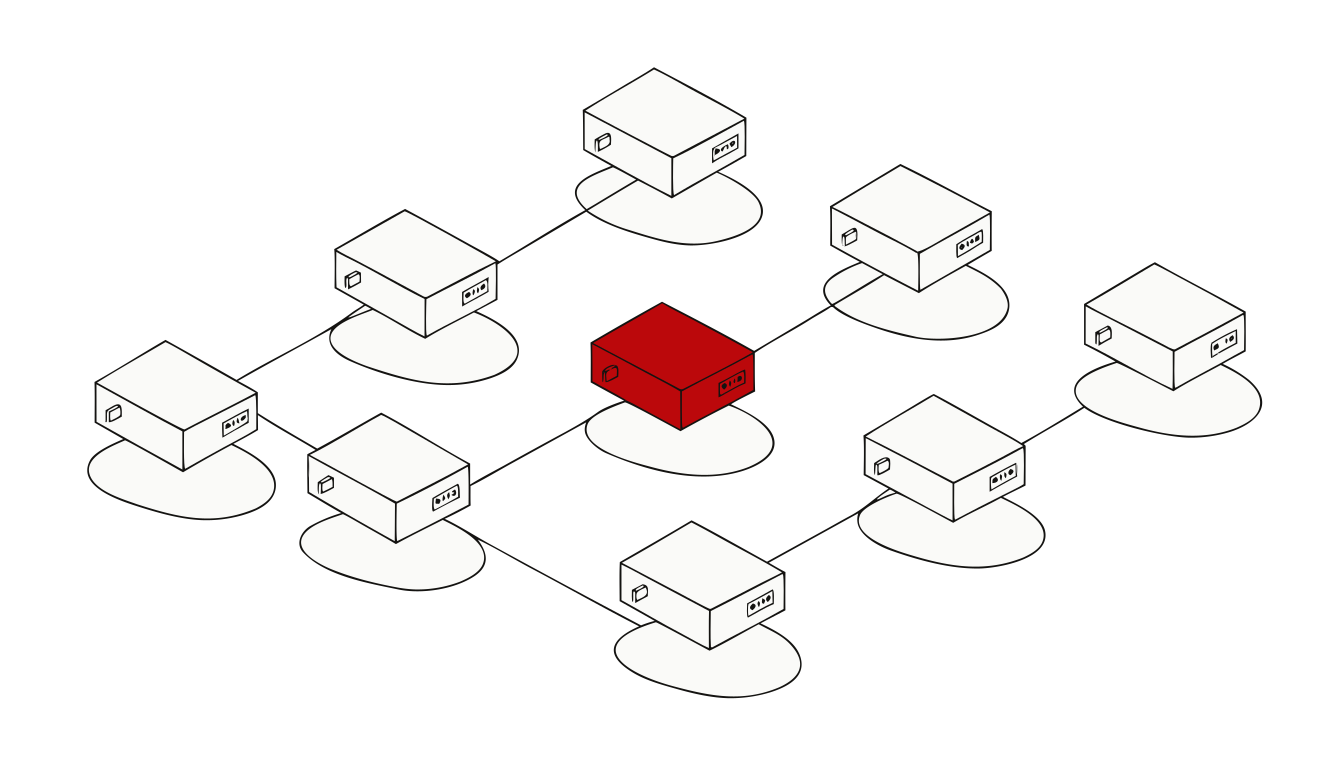
Why add a second provider
Three reasons that hold up. None of them require you to move anything you don't want to move.
Two different bill shapes
A metered bill and a flat monthly bill are different instruments. Steady, predictable workloads are the ones that suit a fixed price; spiky, event-driven ones often genuinely don't. Splitting lets each run on the pricing that fits it.
A second option you actually run
"We could move if we had to" means more when there's already a server elsewhere with your data on it and root access to it. It doesn't have to be your whole stack to be worth having.
Somewhere for the heavy, boring parts
Backups, batch jobs, CI runners, media egress, internal tools, staging. Work that doesn't need managed services but does eat bandwidth, and that quietly costs the most where bandwidth is metered.
What moves, and what shouldn't
The split is the whole product here. Getting it wrong in the ambitious direction costs more than not splitting at all.
Suits a flat-rate server
Predictable, and usually bandwidth-heavy
- Static assets and media delivery. The bandwidth line item. Every tier includes 20 TB of outbound traffic a month, then $1 per TB; inbound isn't counted at all.
- Self-hosted open-source apps. Chat, docs, CRM, helpdesk and the rest of the catalog, running next to the stack rather than inside it.
- Backup and archive targets. A second copy on a different provider is the entire point of a backup.
- Batch and scheduled work. Nightly jobs, ETL, report generation, CI runners — predictable CPU that doesn't need to autoscale.
- Internal tools and staging. Dashboards, admin panels and review environments that don't need to sit in production's blast radius.
Stays where it is
Things we have no equivalent to
- Managed services. The databases, queues, ML products and serverless primitives your app is built on. A flat VPS is a different product, not a cheaper version of the same one.
- Compliance attestations and global reach. If you need a specific certification, or a region we don't have, that decides it on its own.
- Anything latency-bound to the rest of your stack. A component that talks constantly to a managed service should live next to that service.
- A deploy workflow that's earning its keep. Vercel's deployment experience for frontend work is genuinely excellent and we have no equivalent to it; Railway's deploy is a real product rather than a wrapper. If either is saving your team real time, keep it.
- Microsoft gravity. If your identity lives in Entra and your licensing agreements assume Azure, that pull is real and it isn't irrational.
What the second half gives you
Terms, not adjectives. Everything below is a published price or a stated term of our own service.
A flat monthly price
Five VPS tiers from $4.99 to $89.99 a month, or a dedicated machine at $199/mo (32 cores, 64 GB ECC RAM, 2 × 1 TB NVMe). Billed monthly in advance.
Bandwidth terms in writing
A 1 Gbit/s port. 20 TB of outbound (egress) traffic per month included, then $1 per TB. Inbound is unmetered and isn't counted against the allowance.
Root access
Your operating system, your packages, your networking. Install what you like, and take your data with you whenever you want.
A region you pick
Choose the location at checkout from the list we offer. Price doesn't vary by region — there's no regional differential to work around.
Provisioned within 24 hours
A person builds and configures every order by hand and sends you the login details — which is exactly why we can commit to that window.
Add-ons with published rates
Extra IPv4 at $2/mo each (up to five per server), automated daily backups at 20% of the server's monthly price — base plus any extra storage — with a $1 minimum, and managed OS and application updates at $19/mo. All in the configurator.
How the two halves talk to each other
Over the public internet, like any other host. Teams typically run their own encrypted tunnel — WireGuard or IPsec — or terminate TLS between the services that need to talk. You have root, so that's yours to build the way your architecture wants it, and we'll help you think it through while the server is being set up.
What we don't sell is an interconnect. There's no private peering product here, no direct-connect equivalent, and no VPC attachment. If your design needs a private circuit into your primary cloud, we're not the right second provider and you should hear that now rather than after checkout.
What we're not claiming
- No cross-cloud control plane. There's no Olympia dashboard that manages your AWS account, no unified billing view across providers, and no automatic failover between them. You get a server.
- No managed Kubernetes, no managed databases. What runs on the machine is yours to run. If you want it installed and configured as part of setup, we'll do that — but it's your instance afterwards.
- No uptime percentage and no SLA. We don't have automated monitoring running yet, so we don't publish an availability figure — see status for exactly where that stands.
- No performance comparison. We haven't run reproducible benchmarks, so there are no throughput or latency numbers on this page. Benchmarks is honest about that.
- No savings figure. The hyperscalers don't publish anything comparable to a flat monthly server price — a like-for-like bill is compute plus storage plus egress plus NAT gateway plus load balancer plus IPv4, each metered separately — so instead of one headline number there are worked examples on the hyperscale comparison. Compare the terms above against your own invoice.
Start with one workload
Pick the piece of your stack that's predictable and expensive, and put that on a flat-rate box first. Nothing else has to move.